1
Your profile on Kollekt
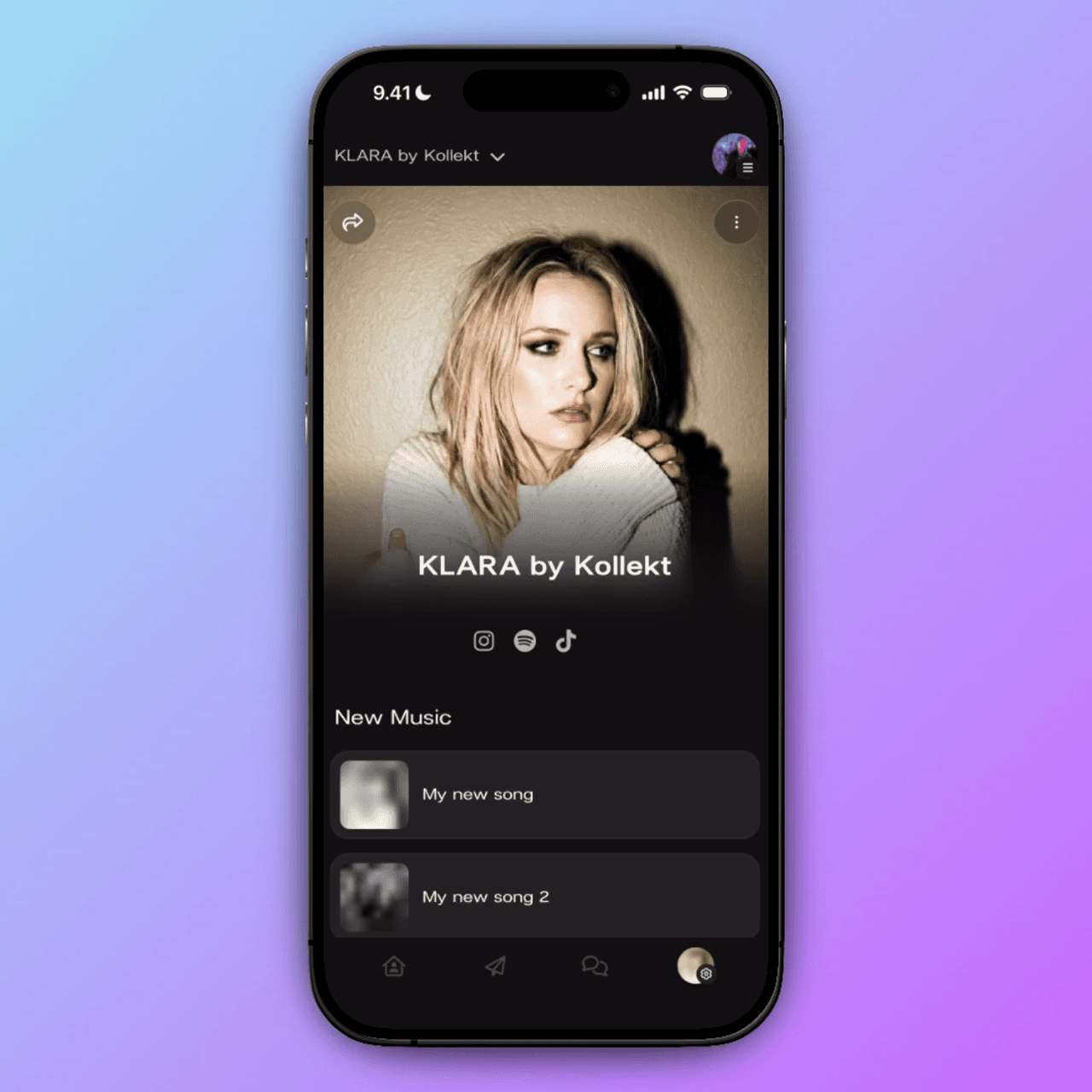
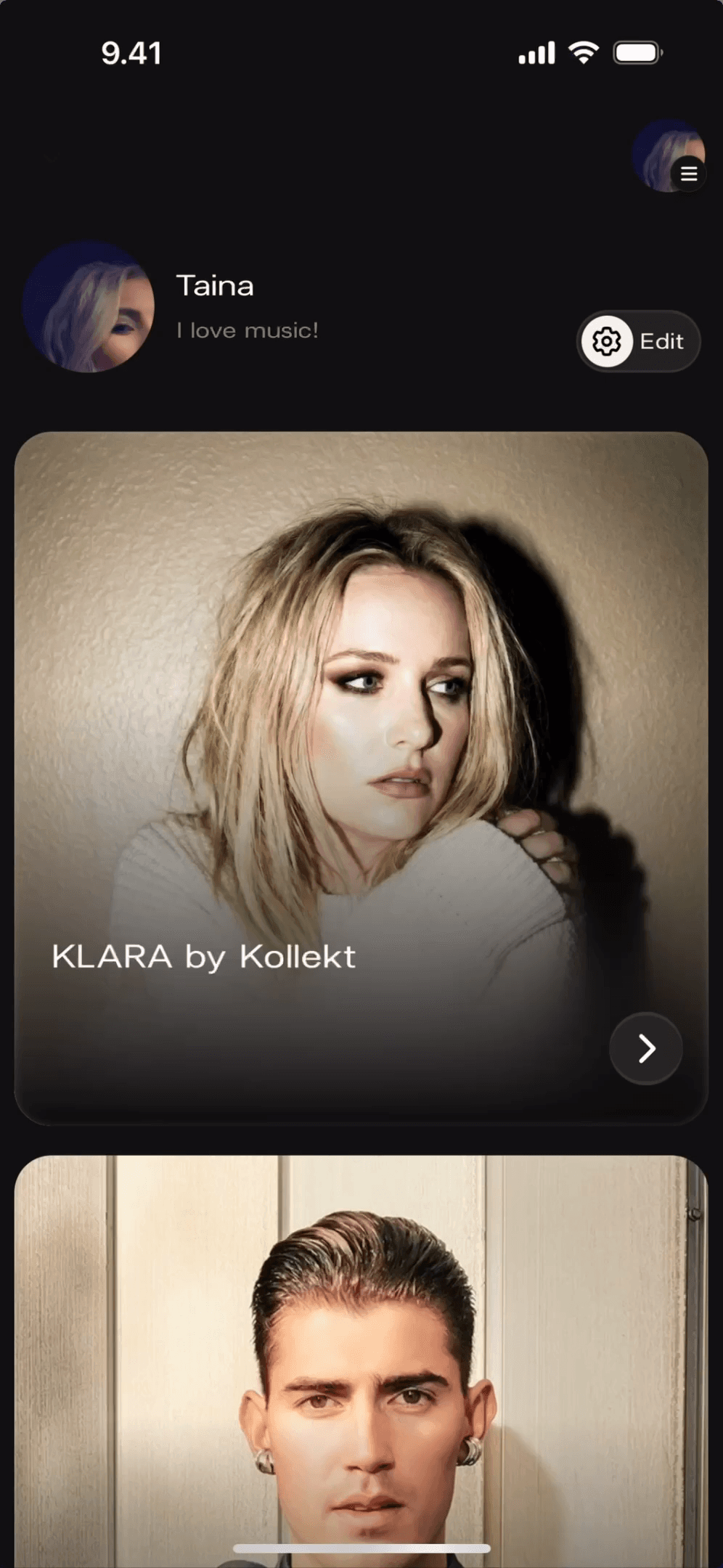
When you open Kollekt, your profile sits at the top of the Home screen. You'll see your username, your bio, and the artists you follow — all in one place.
Your username is how other members see you in Chat
Your bio sits just below your name — a line about you
Tap Edit to make changes
1
Your profile on Kollekt
When you open Kollekt, your profile sits at the top of the Home screen. You'll see your username, your bio, and the artists you follow — all in one place.
Your username is how other members see you in Chat
Your bio sits just below your name — a line about you
Tap Edit to make changes
2
Editing your profile info
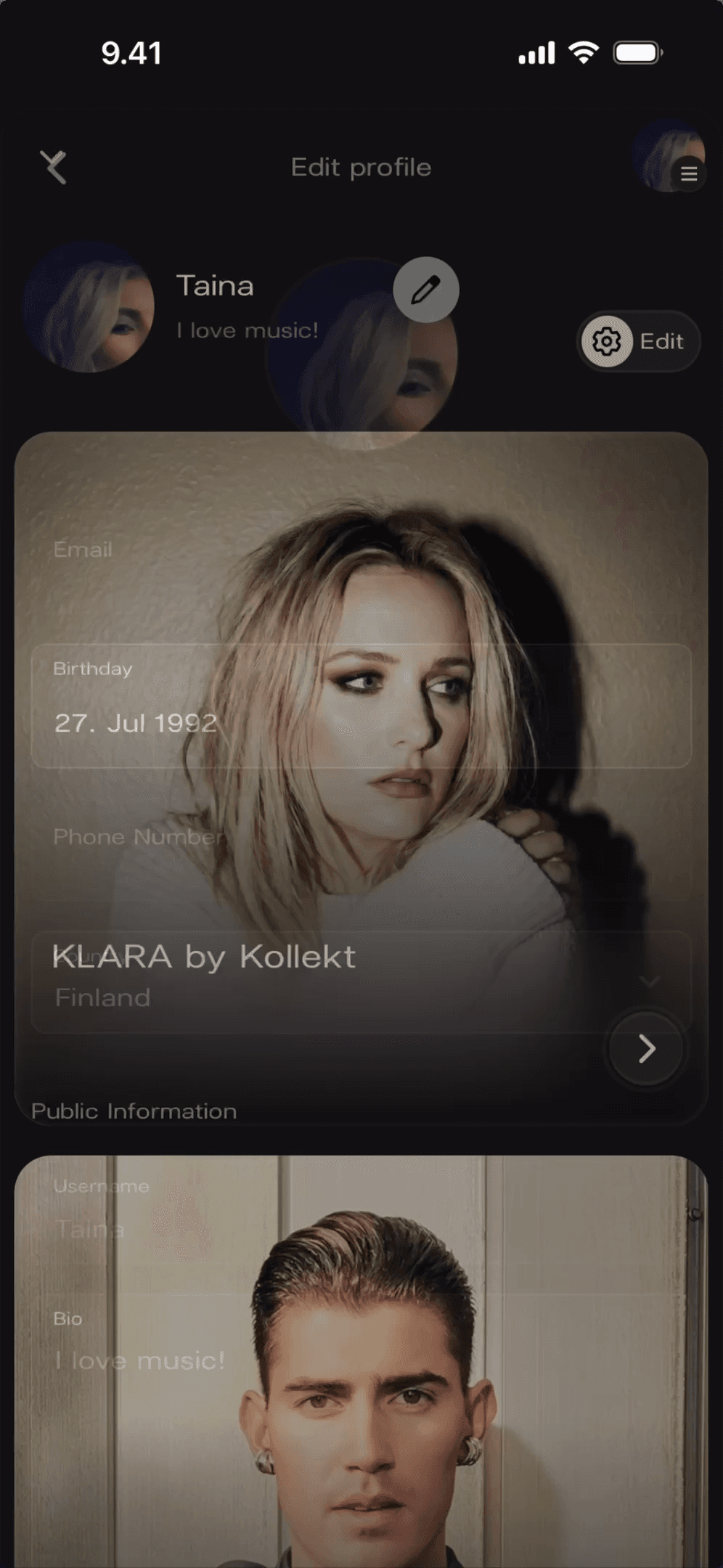
Tap the Edit button next to your name. You'll find your email, birthday, phone number, country, username, and bio — all in one place. Change what you want and tap Save.
Your email is set automatically — update it here if needed
Your username might start as "kollekt" + some characters — overwrite it with something that feels more like you
Your bio is one line: keep it short, personal, yours
2
Editing your profile info
Tap the Edit button next to your name. You'll find your email, birthday, phone number, country, username, and bio — all in one place. Change what you want and tap Save.
Your email is set automatically — update it here if needed
Your username might start as "kollekt" + some characters — overwrite it with something that feels more like you
Your bio is one line: keep it short, personal, yours
3
Adding a profile photo
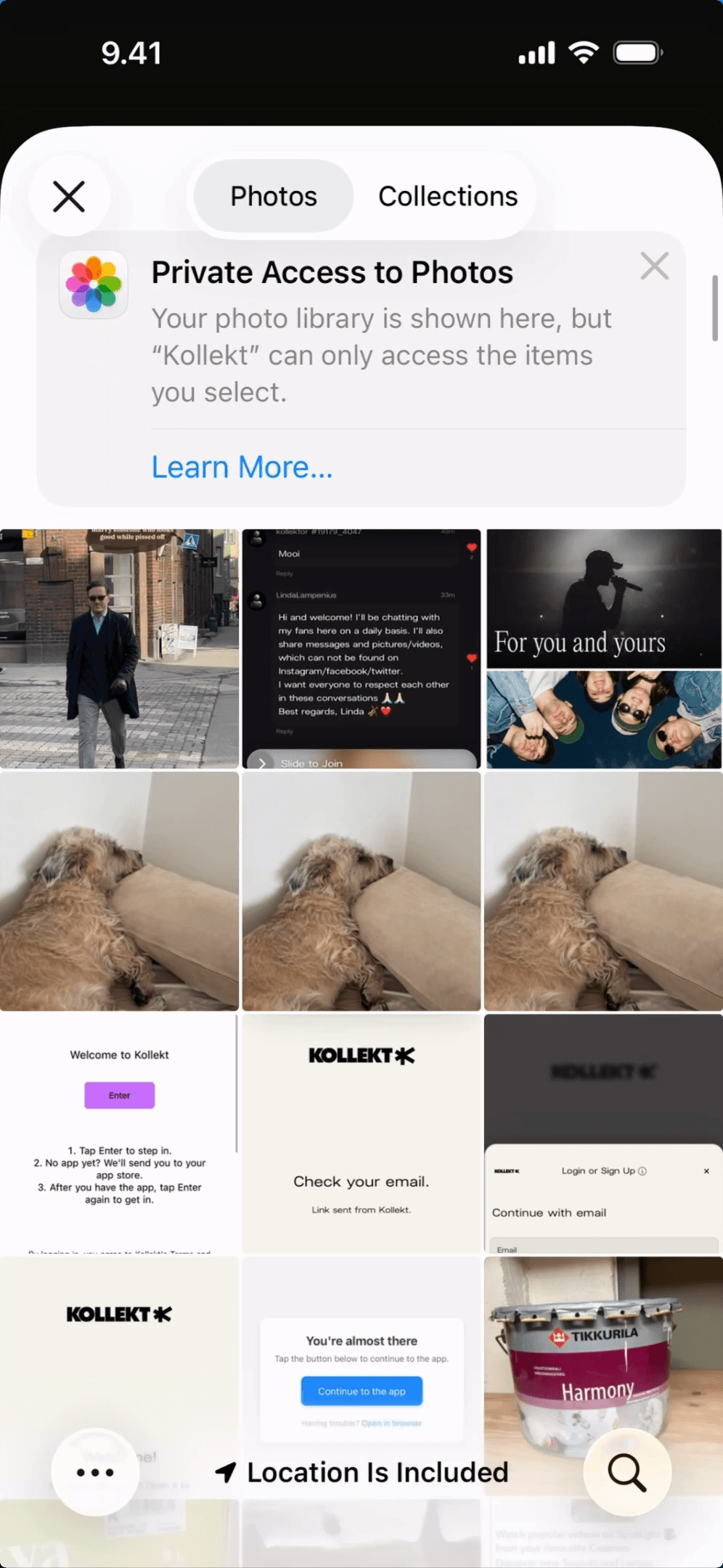
Tap the pencil icon on your profile picture. Choose a photo from your library or take a new one. Tap to select, and it's done. Hit Save when it looks right.
Tap the pencil icon on your profile photo
Choose from your photo library or take a new photo
Tap the photo to select it, then hit Save
3
Adding a profile photo
Tap the pencil icon on your profile picture. Choose a photo from your library or take a new one. Tap to select, and it's done. Hit Save when it looks right.
Tap the pencil icon on your profile photo
Choose from your photo library or take a new photo
Tap the photo to select it, then hit Save
1
Your profile on Kollekt
When you open Kollekt, your profile sits at the top of the Home screen. You'll see your username, your bio, and the artists you follow — all in one place.
Your username is how other members see you in Chat
Your bio sits just below your name — a line about you
Tap Edit to make changes
2
Editing your profile info
Tap the Edit button next to your name. You'll find your email, birthday, phone number, country, username, and bio — all in one place. Change what you want and tap Save.
Your email is set automatically — update it here if needed
Your username might start as "kollekt" + some characters — overwrite it with something that feels more like you
Your bio is one line: keep it short, personal, yours
3
Adding a profile photo
Tap the pencil icon on your profile picture. Choose a photo from your library or take a new one. Tap to select, and it's done. Hit Save when it looks right.
Tap the pencil icon on your profile photo
Choose from your photo library or take a new photo
Tap the photo to select it, then hit Save
Join the conversation
Your space is waiting.
Subscriber perks that keep getting better
Direct messages straight from the artists you love
One place for all the artists you follow
Free to join. Takes two minutes.
Free to join. Takes two minutes.
Free to join. Takes two minutes.
About the project